



A precision-machined black chrome form emerging from darkness, a recessed slot inside it glowing amber and cobalt.

Maxbull LLC Independent product studio

We make
the rest
look basic.

We build iOS and web apps that hit harder, then obsess over every detail until they feel unmistakably Maxbull.

Explore the products Start a project

Selected products

01 Selected products

Three apps.
Three audiences.
One standard.

We design and build every Maxbull app in-house, from the first sketch through its App Store release.

PTCE Prep app icon

PTCE Prep: Pharmacy Tech

PTCB practice & drug cards

A calmer, smarter path to the PTCE.
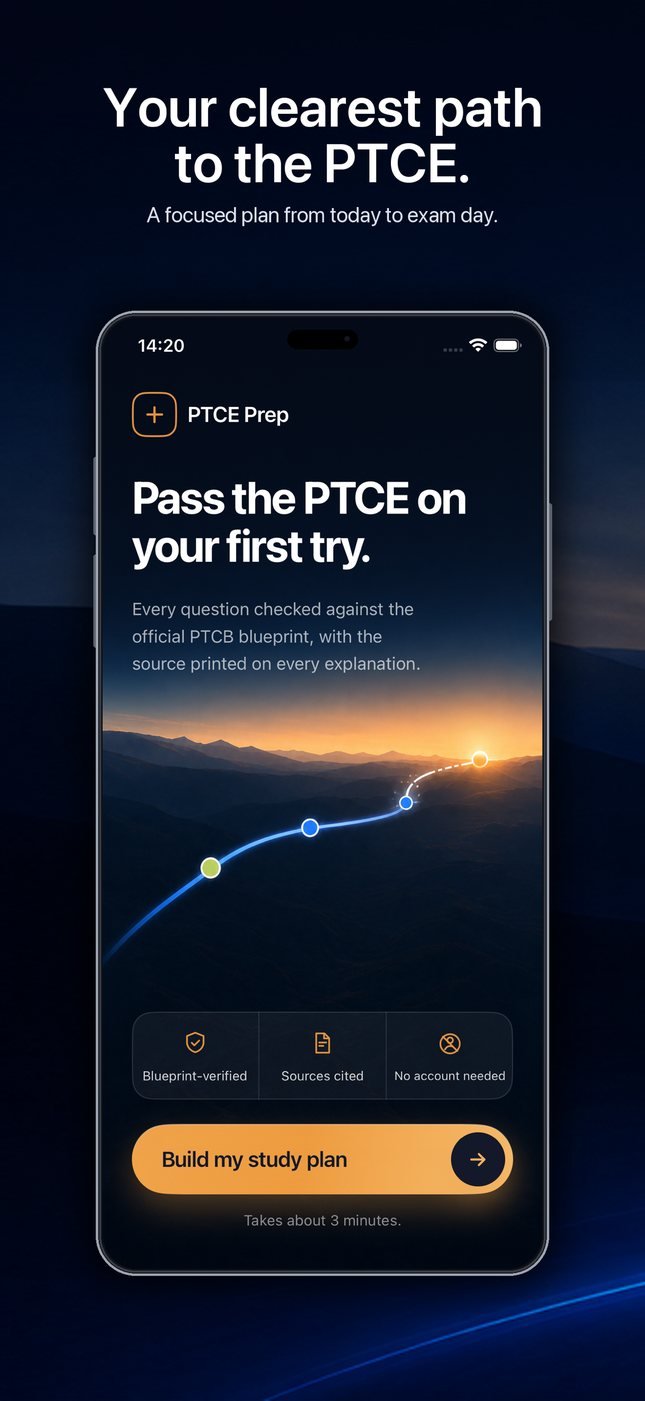
PTCE Prep home screen headed “Pass the PTCE on your first try”, with a rising progress curve and a Build my study plan button.
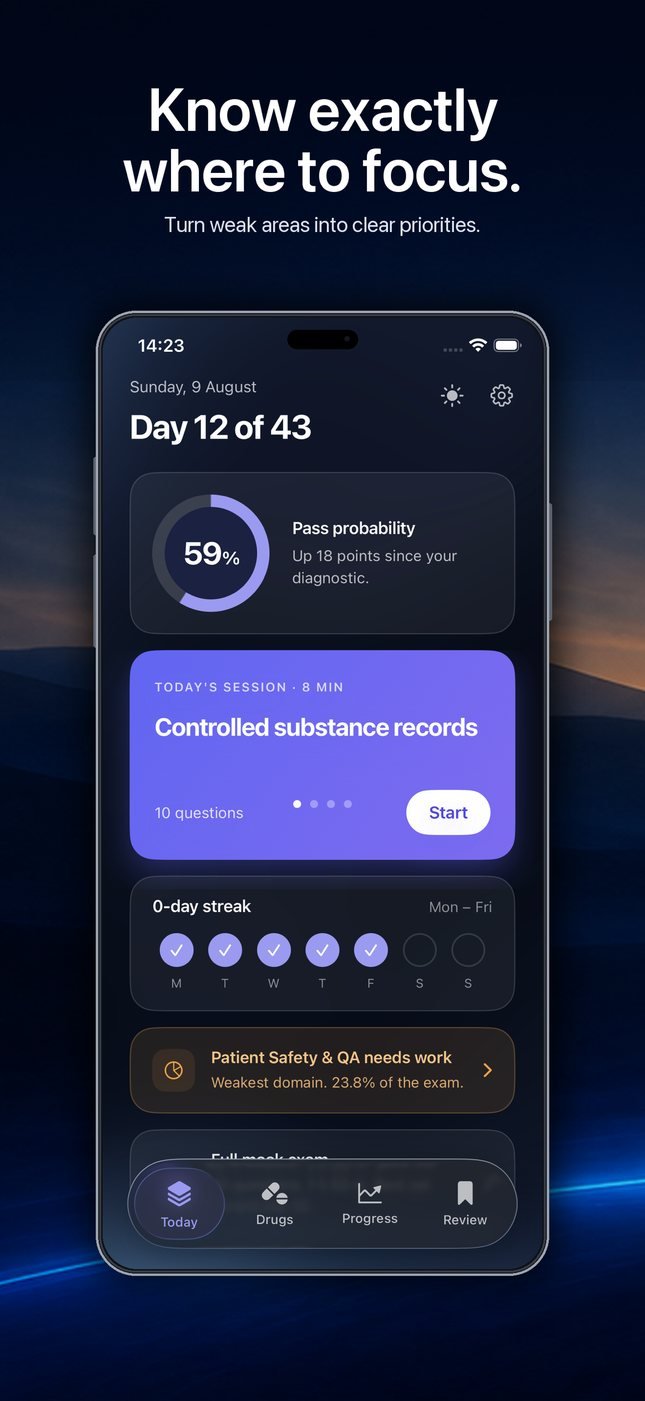
Study dashboard showing day 12 of 43, a 59 percent pass probability, and controlled substance records flagged as the next priority.
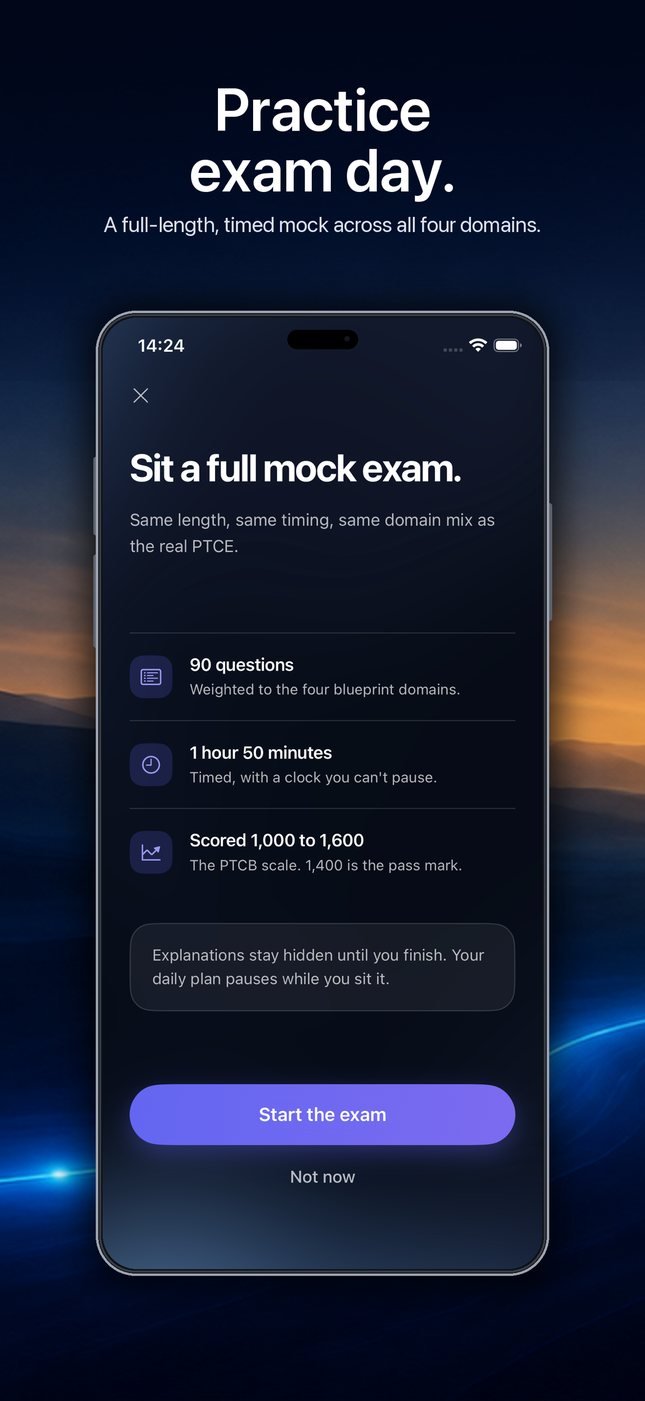
Mock exam start screen: ninety questions, one hour fifty minutes, scored 1,000 to 1,600 on the PTCB scale.
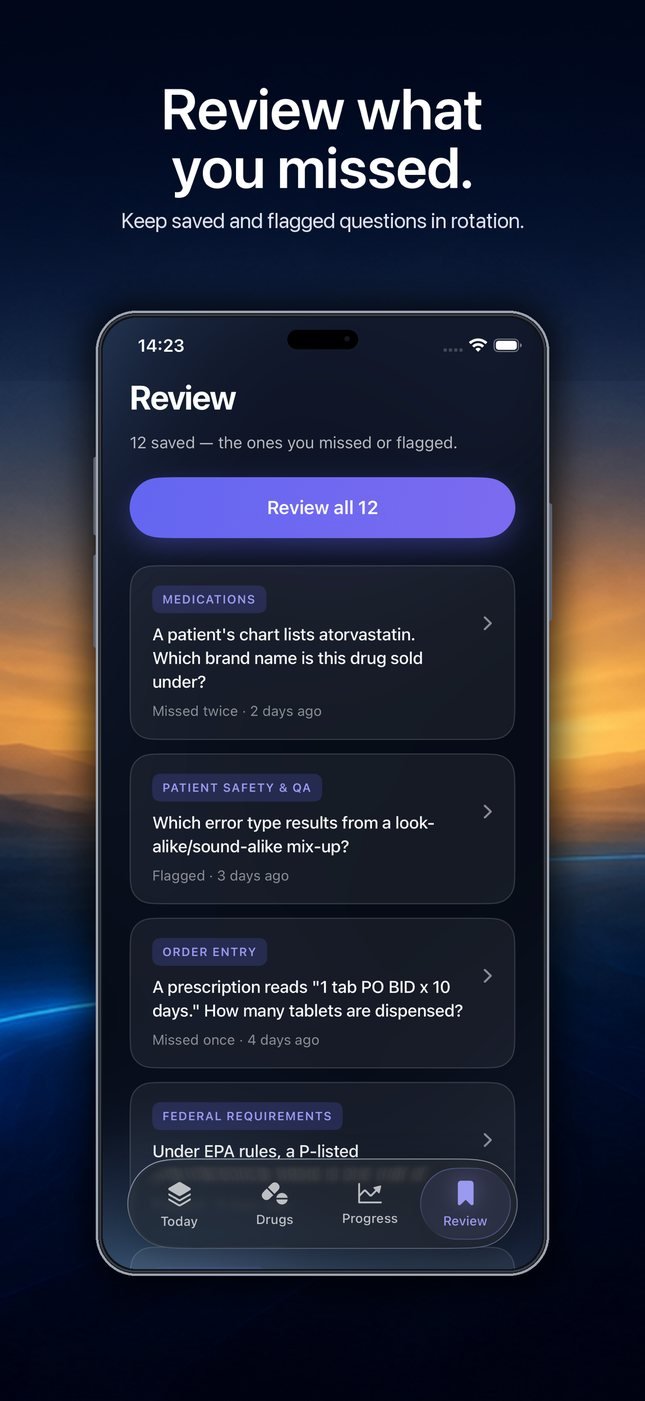
Review screen listing saved and flagged questions with their explanations, ready to put back into rotation.
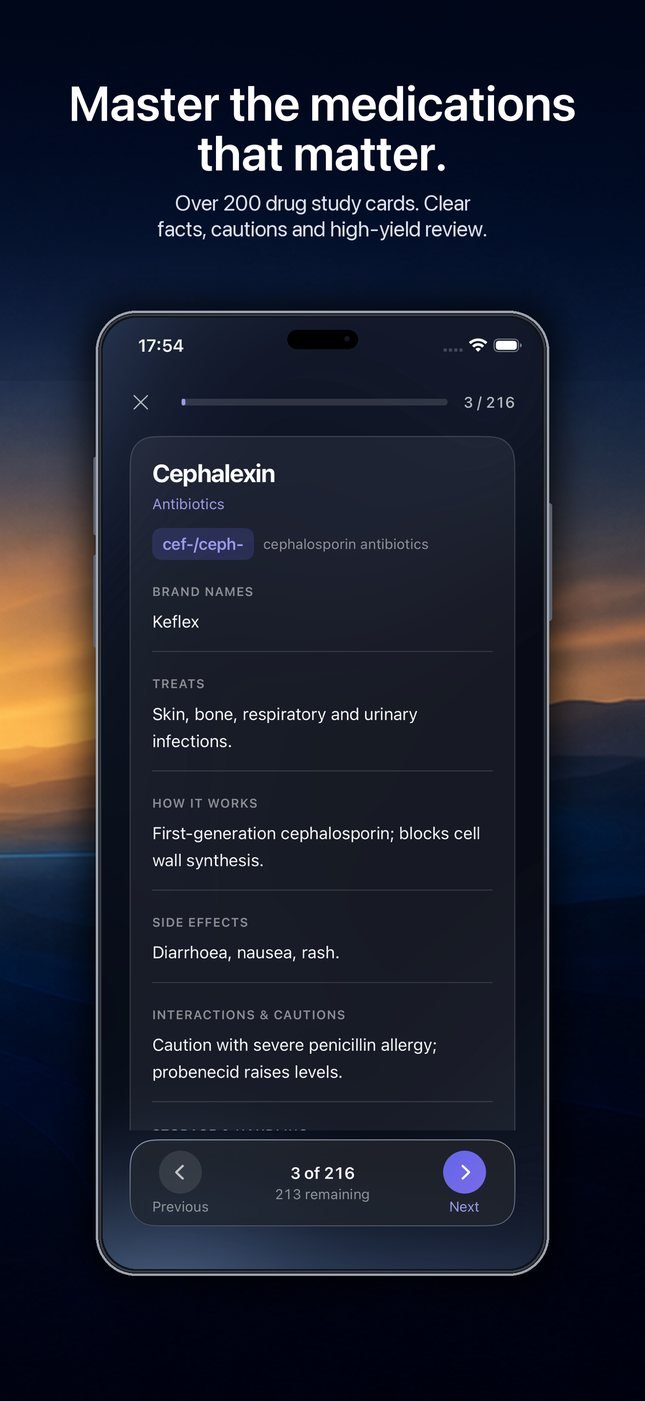
A drug card for cephalexin showing its class, uses, side effects, cautions and high-yield notes.
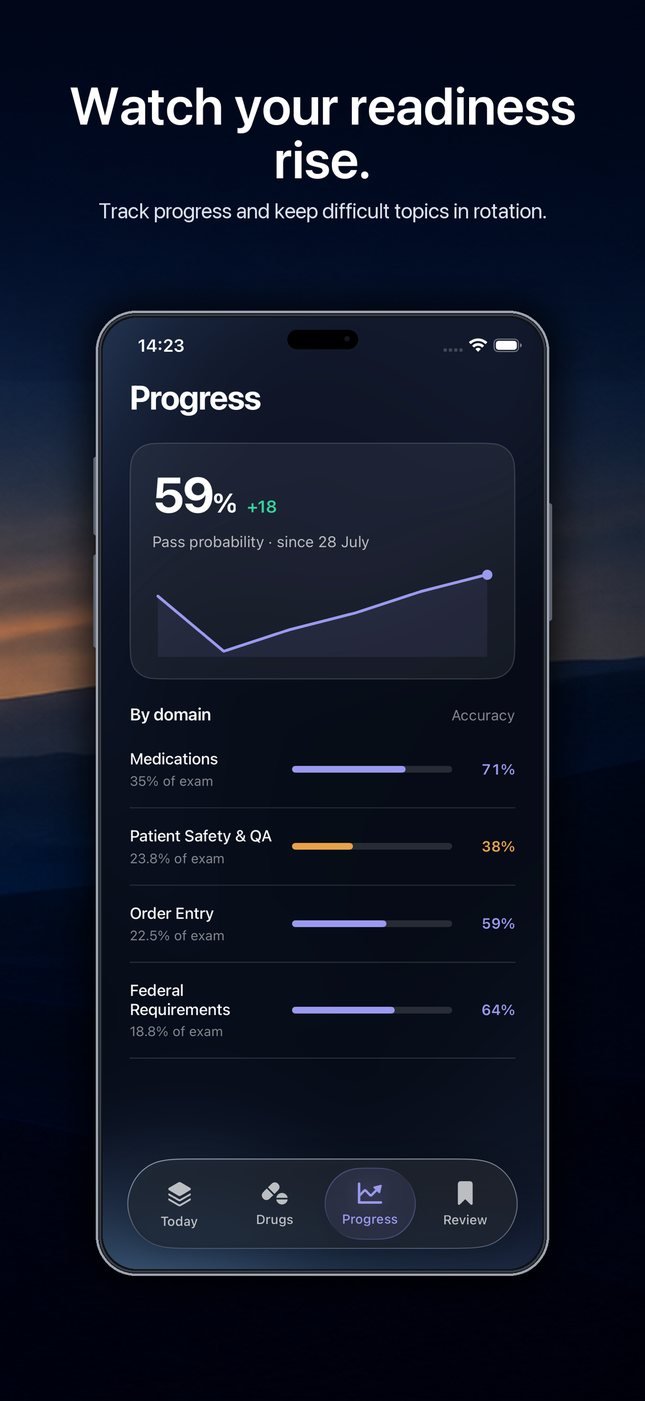
Progress screen: readiness at 59 percent with a rising trend line and accuracy broken down by PTCB domain.

Most certification apps punish you with streaks and noise. PTCE Prep does the opposite. It takes your exam date, builds the plan backward from it, and tells you the truth about where you stand.

  1. A plan built from your exam date. The schedule is generated against the PTCB content outline effective January 2026.
  2. 1,000 questions across all four domains. Every explanation names its source and the blueprint area it came from.
  3. More than 200 drug cards, grouped by stem. You learn the pattern behind the name instead of memorizing a list.
  4. A complete 90-question timed mock. Scored on the PTCB 1,000–1,600 scale, with an estimated chance of passing and a performance breakdown.
  5. Offline, no account, no data collected. It opens on a plane and it asks you for nothing.

View PTCE Prep on the App Store

UniGo+ app icon

UniGo+

College Journey, Step by Step

Turn a college ambition into a clear path forward.

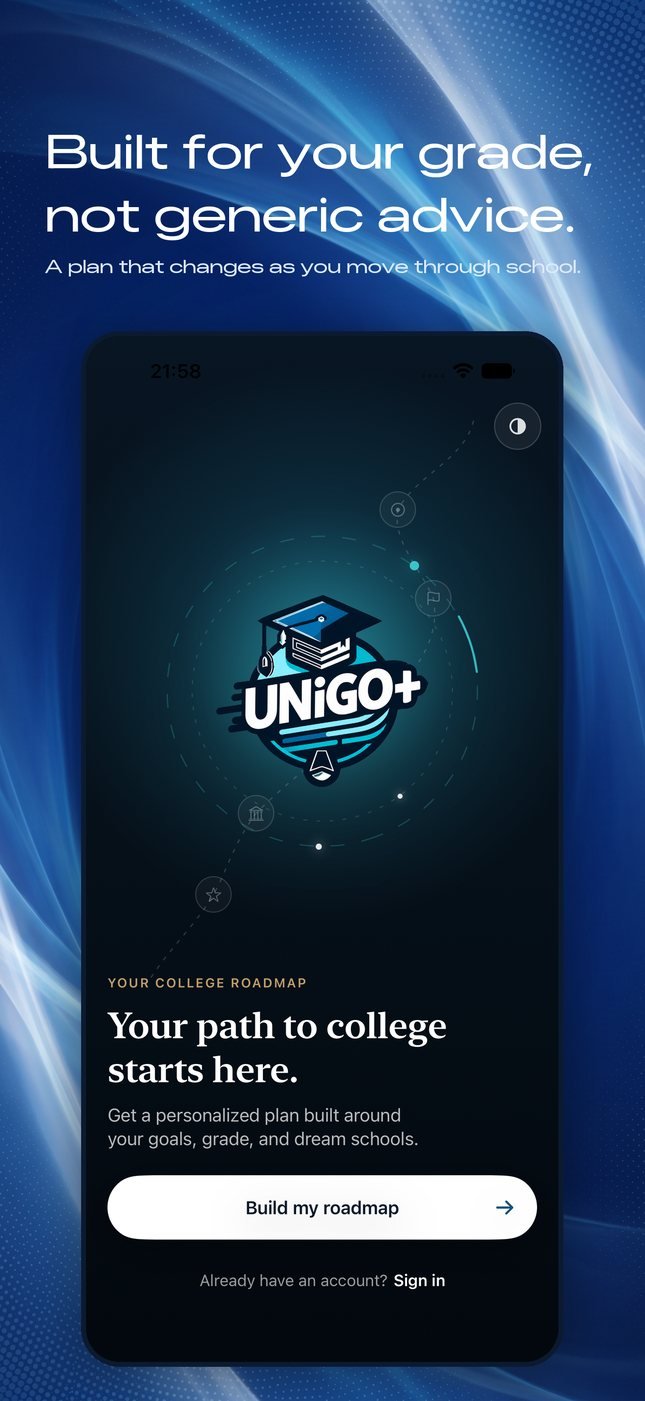
Onboarding screen: the UniGo+ mark above the line 'Your path to college starts here' and a Build my roadmap button.
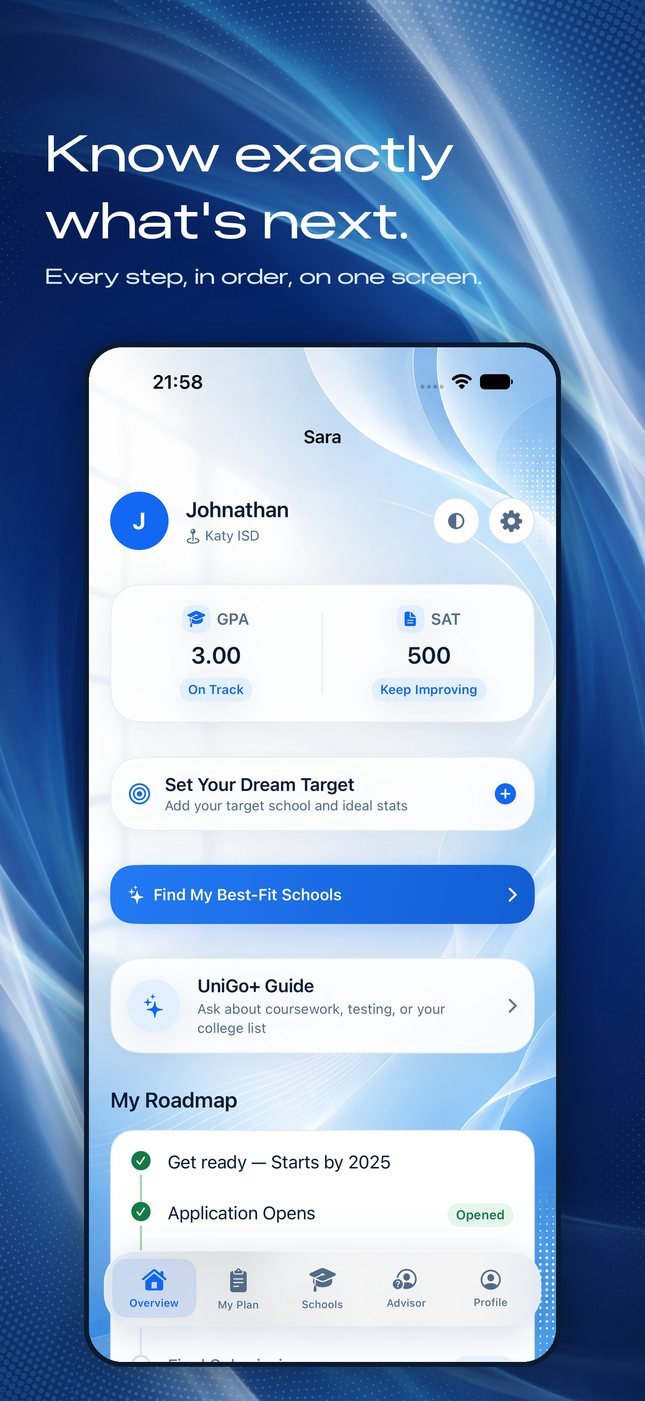
Overview dashboard with GPA and SAT cards, a dream-target prompt, the UniGo+ Guide and the first roadmap steps.
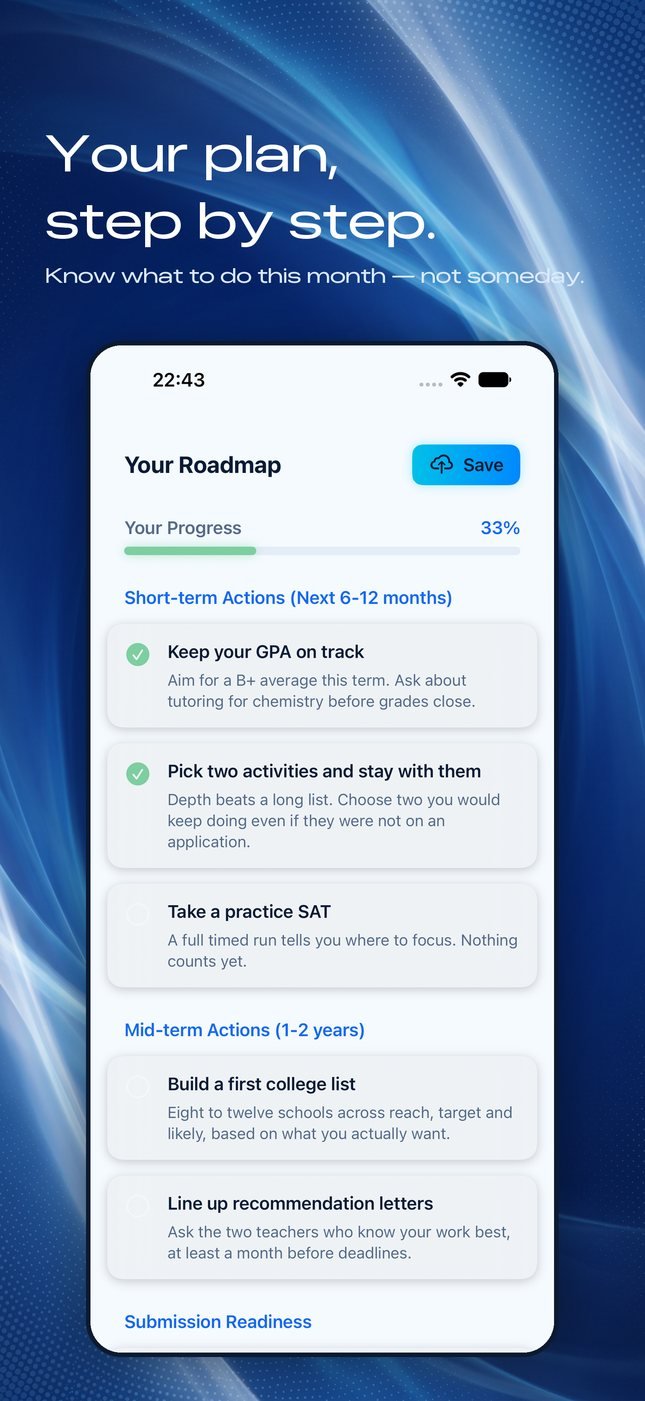
Roadmap screen showing progress at 33 percent, with short-term and mid-term actions listed as checkable steps.
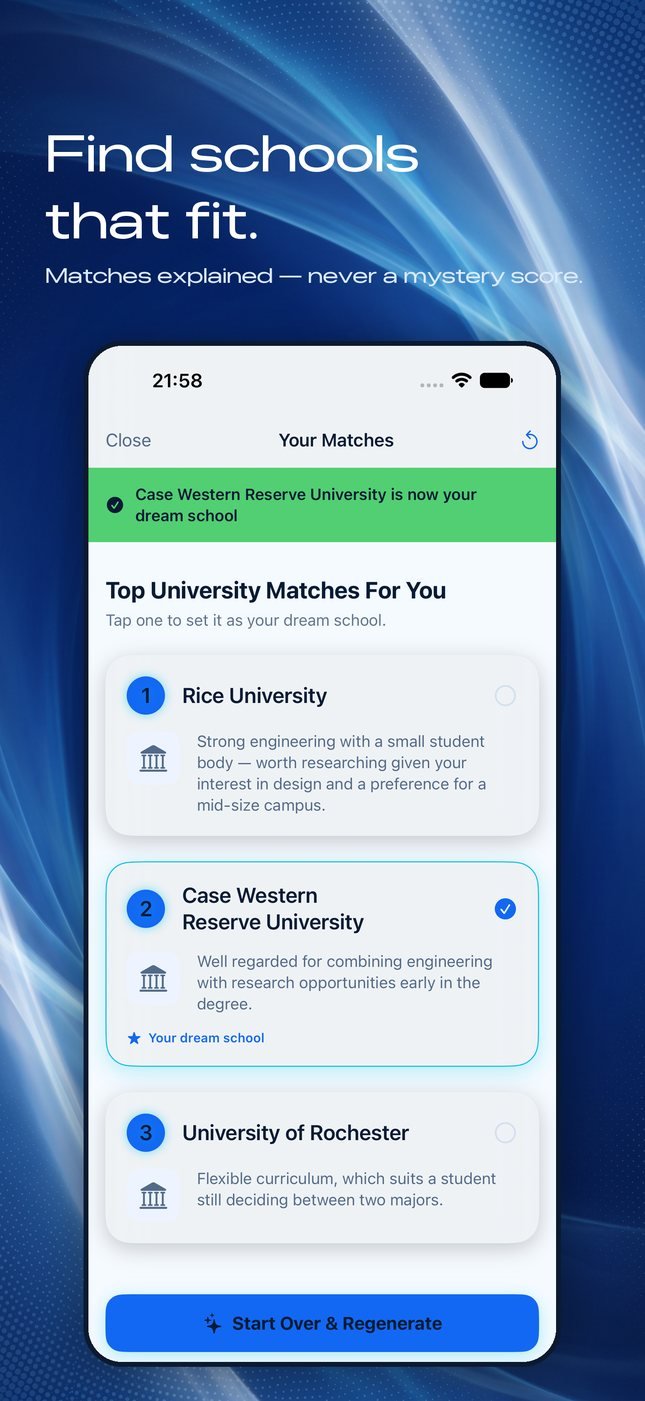
Your Matches screen listing three universities, each with a sentence explaining why it was suggested.
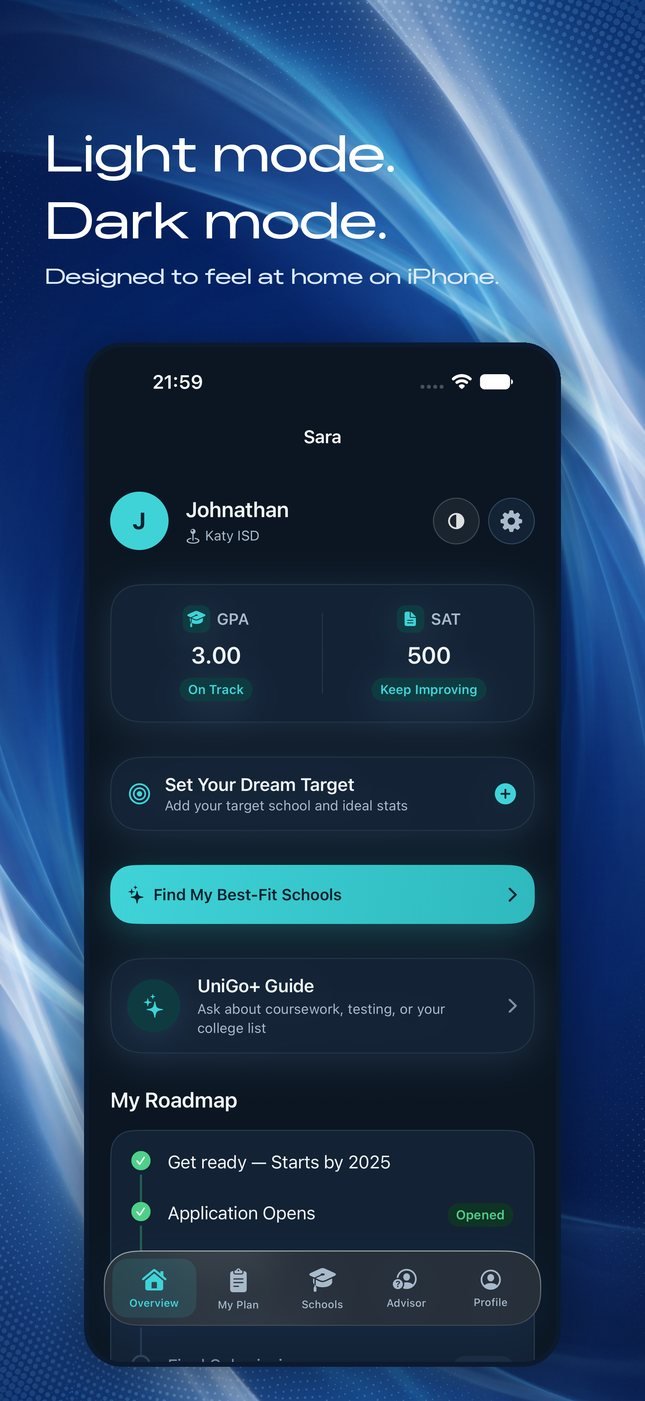
The same overview dashboard in dark mode, with the GPA and SAT cards, dream-target prompt and roadmap.
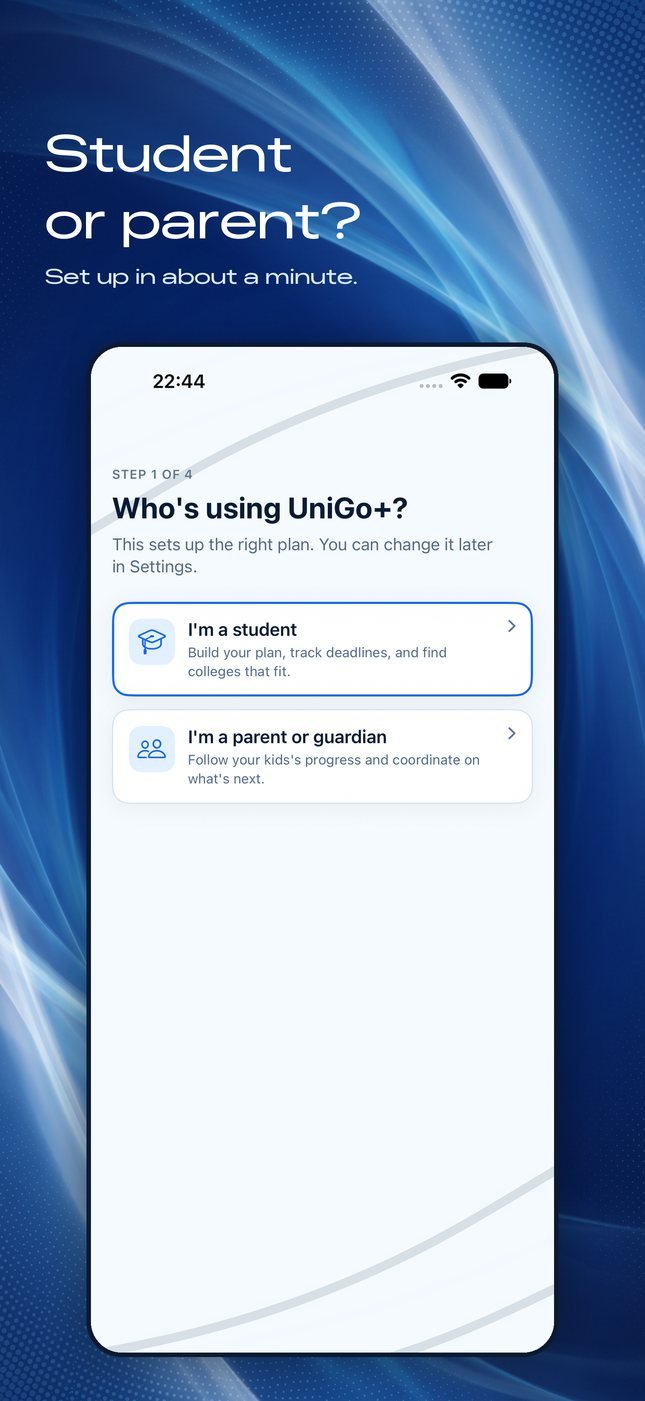
Setup step one: choosing between a student account and a parent or guardian account.

Getting into a university is a multi-year sequence nobody hands you in order. UniGo+ turns the ambition into a visible path, then shows how far along it you already are.

  1. Dream schools, set as goals. The target comes first; everything else is scheduled against it.
  2. A guided preparation timeline. The whole journey, broken into steps in the order they actually happen.
  3. Visual progress tracking. Momentum you can read at a glance, not a wall of checkboxes.
  4. Guidance matched to your stage. Recommendations adapt to age and school level, so a sophomore is not handed a senior’s list.
  5. University matching and advisor features. Results are based on factors such as GPA and preferences. iPhone and iPad. No data collected.

View UniGo+ on the App Store

Wingman+ app icon

Wingman+

Swipe Right with Confidence

Confidence, character, and the right words at the right moment.

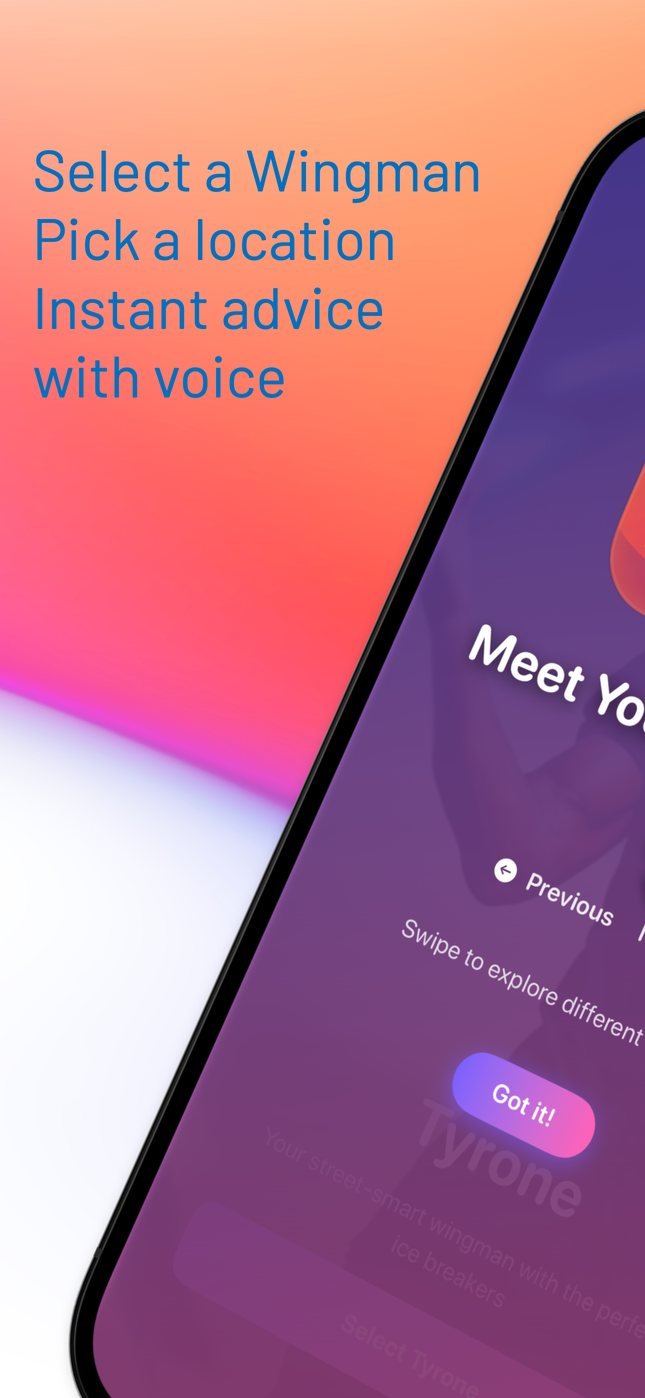
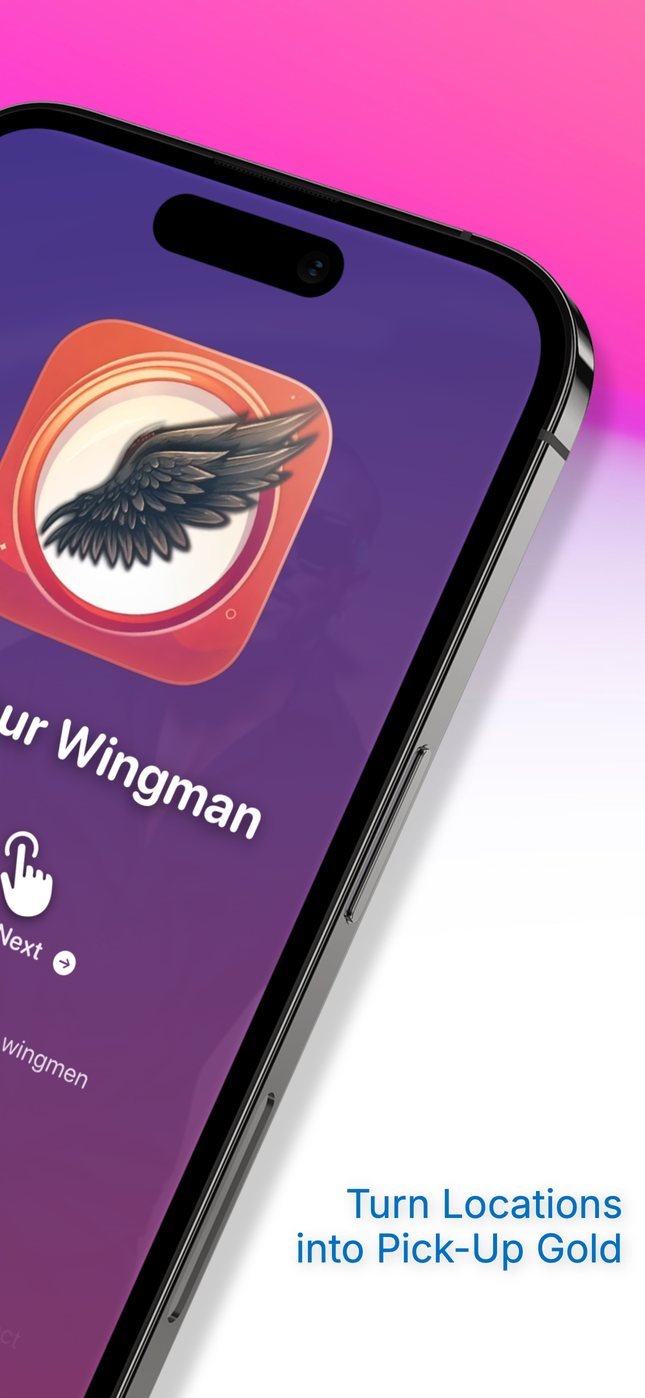
Wingman+ introduction: select a wingman, pick a location, and get instant advice with voice.
Meet Your Wingman screen, turning the location you are in into an opening line.
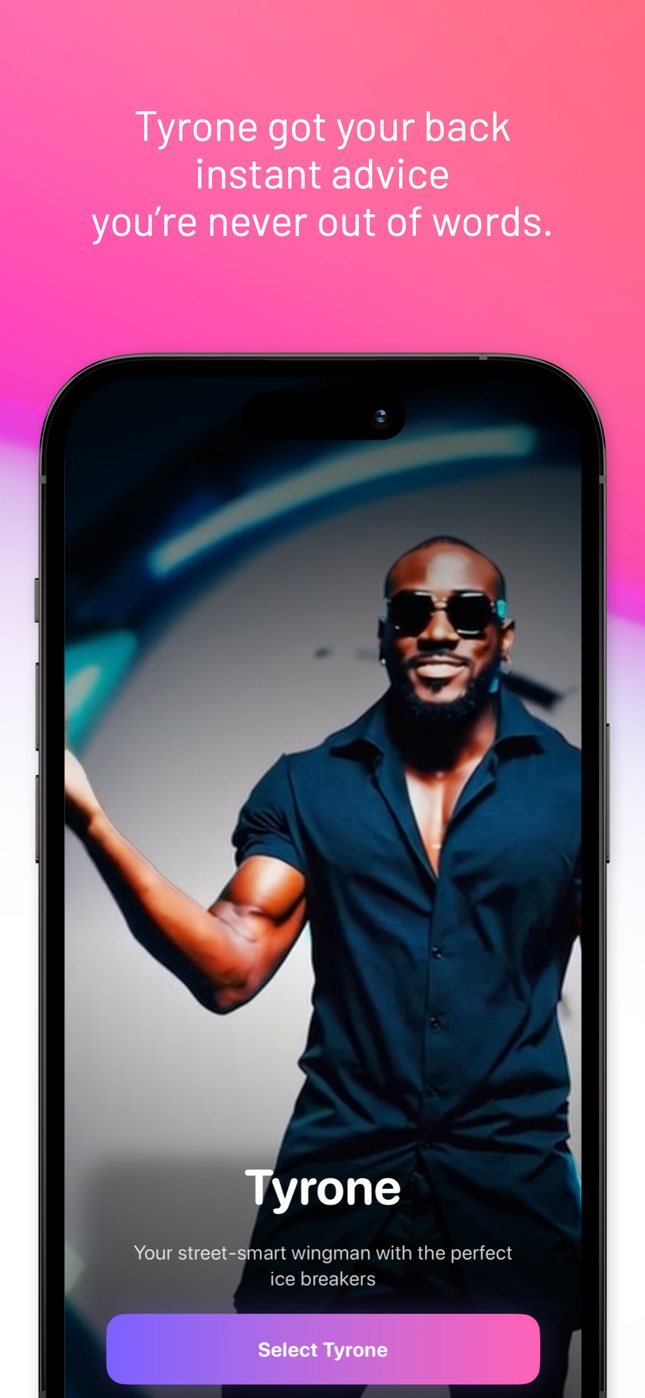
Tyrone’s character card — instant advice so you are never out of words.
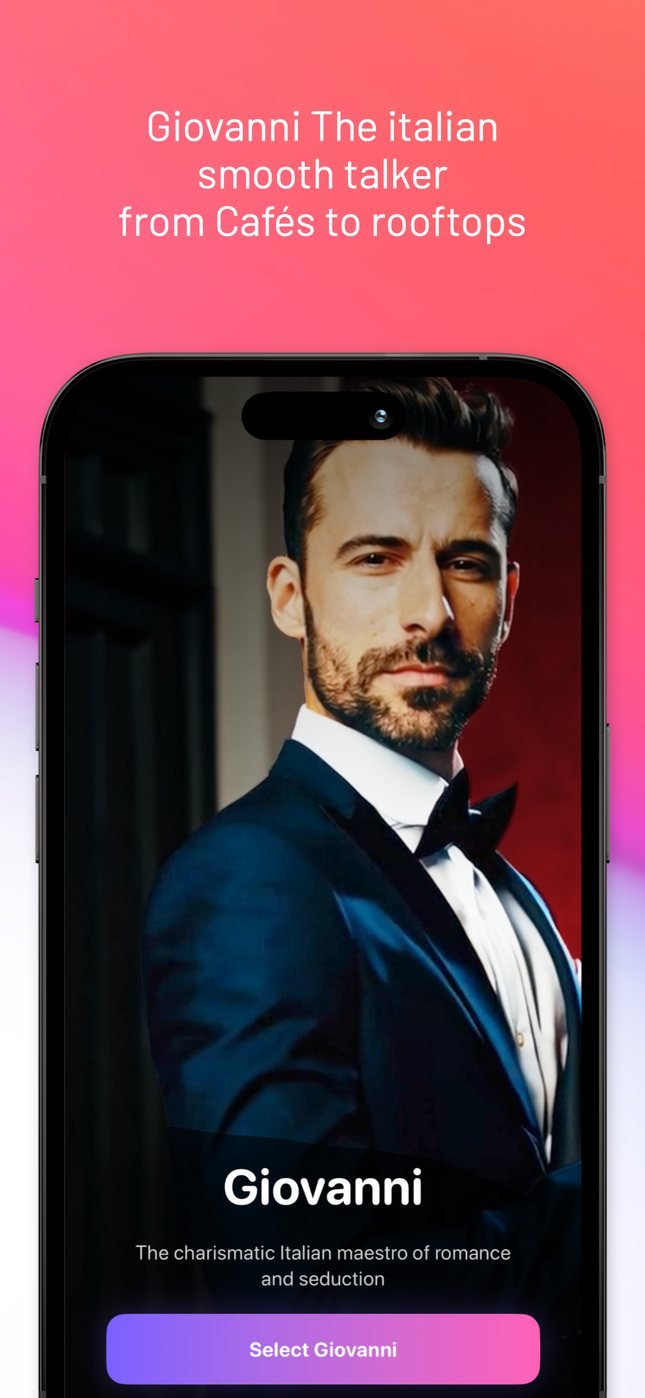
Giovanni’s character card — the Italian smooth talker, from cafés to rooftops.
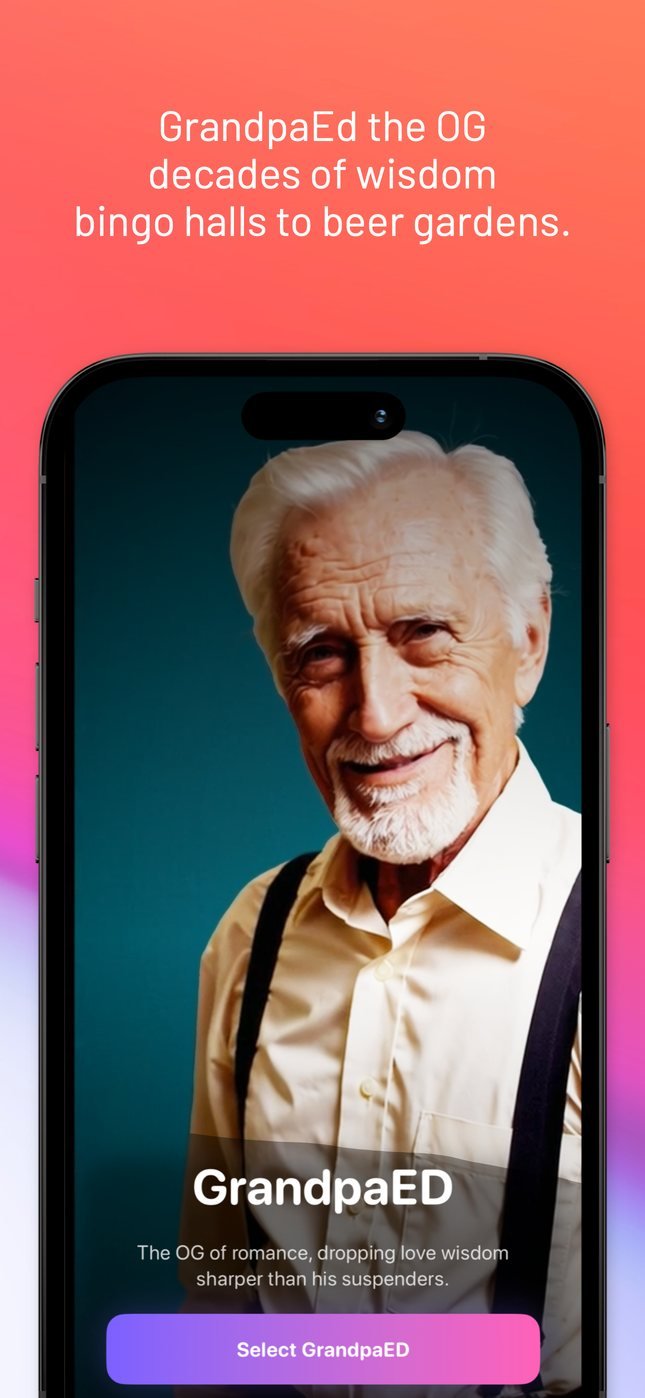
GrandpaED’s character card — decades of wisdom, from bingo halls to beer gardens.
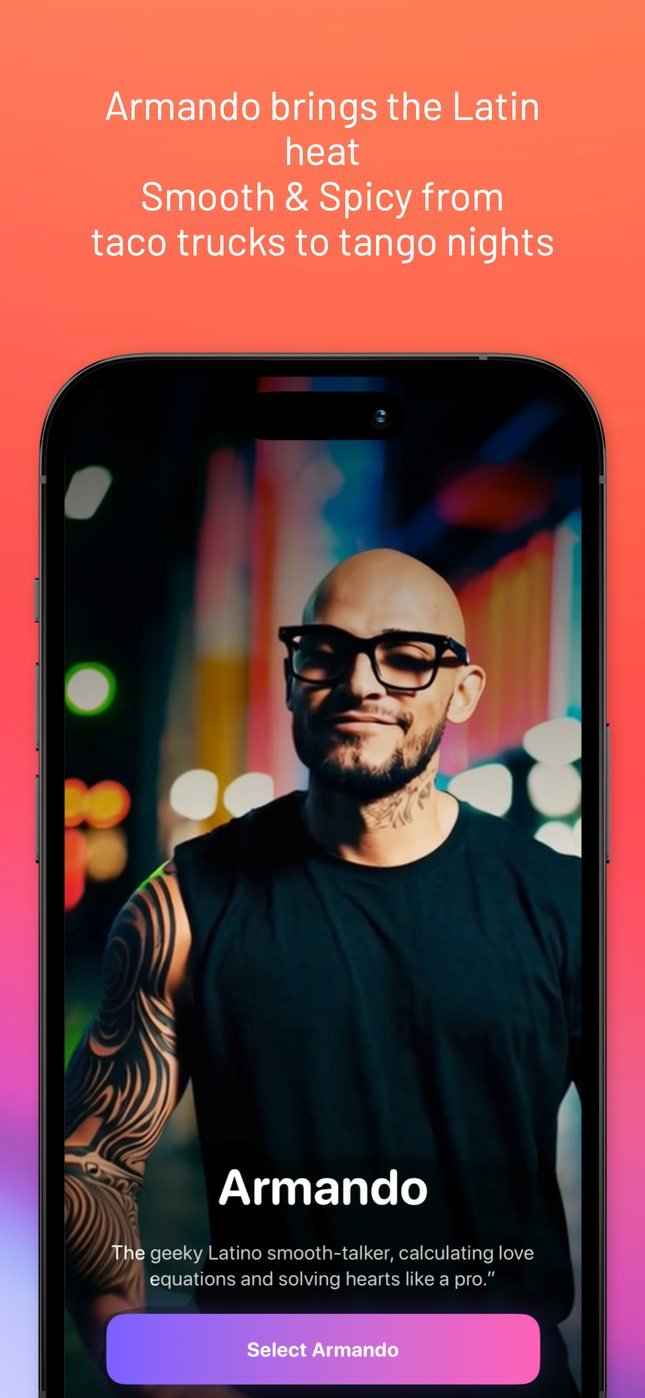
Armando’s character card — smooth and spicy, from taco trucks to tango nights.

Wingman+ is not a line generator. You pick a character with a voice of their own, and get the icebreaker, the comeback, or the nerve for the situation you are actually in.

  1. Five characters, five voices. Giovanni, Tyrone, GrandpaED, Armando and Mr. T each give advice their own way.
  2. Icebreakers on demand. An opener for the room you are standing in, not a generic list.
  3. One-liners with timing. Fast, bold, and written to be said out loud.
  4. Situation-specific advice. Say where you are; get a read on it and something to do next.
  5. No data collected. The conversation stays yours.

View Wingman+ on the App Store

02 Studio

Strategy, design, motion, and code, treated as one discipline.

Maxbull is an independent product studio, but the simplest way to say it is this: we build our own products from start to finish.

That means fewer steps and better decisions. One exam date becomes a complete study plan. Years of college preparation become a clear roadmap. A digital wingman actually has a personality.

We design it, code it, test it, and launch it ourselves. If it carries the Maxbull name, every detail has to deserve it.

Maxbull

03 Capabilities

  1. 01iOS product designSwiftUI interfaces, drawn to the pixel and built to ship.
  2. 02Web experiencesCinematic, fast, accessible. This page is the sample.
  3. 03Product strategyWhat it is for, who it is for, and what gets cut.
  4. 04Brand systemsLogo, color and type, defined once and used across the product.
  5. 05Interaction designHow screens respond: states, feedback and the moves between them.
  6. 06Motion designTiming and easing that make an interface easier to follow.
  7. 07Front-end engineeringModern CSS, WebGPU when it earns its place, and a fallback that still looks designed.
  8. 08App Store launch creativeIcon, screenshots, subtitle and copy, produced as one set.

04 Contact

Build something nobody
can scroll past.

Tell us what you are making, what it has to do, and when you need it.

0/1200

Budget
Timeline

No newsletter, no CRM. It goes straight to a person.